What we handle
We recover data from phones that won't turn on, Macs and other computers, external drives and liquid-damaged devices, including deleted files and data from old devices. After diagnostics we tell you plainly whether and how we can reach the data.
Phones
What it takes to recover photos and other data from a phone that no longer turns on.
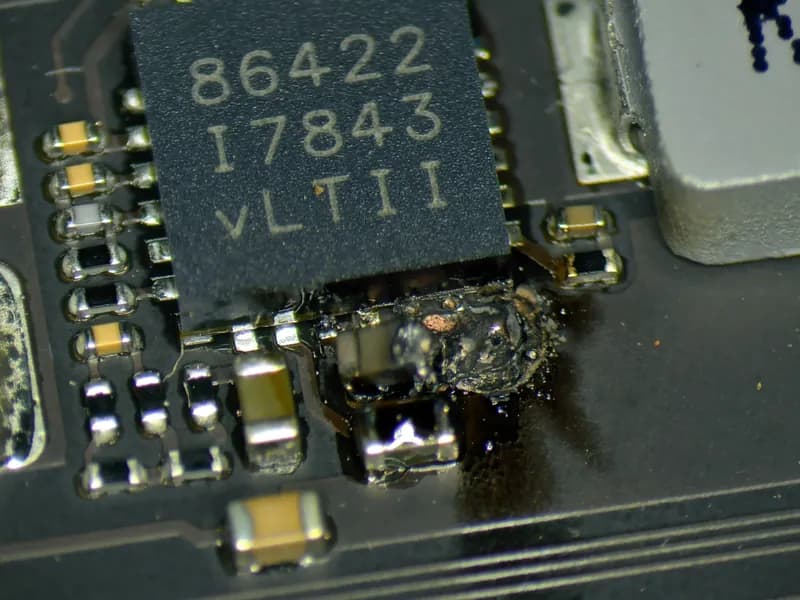
iPhone, iPad and others iPhone and iPad data is hardware-encrypted with keys stored in the processor, so we can only reach it through a working board. Sometimes a temporary display or part swap is enough to make a backup. Other times the board needs repair, and if that is not possible we move the chips to another working board.
What you get
- Backup to restore onto another phone
- Photos and videos can be extracted separately
- From the backup we can also extract messages, contacts or call history
Computers and laptops
Data recovery from Macs and other computers. The approach depends on storage design and encryption.
We recover your home folder (documents, photos, desktop and everything in your profile) and hand it over on an external drive. Applications only on request.
Mac computers
Macs with removable drives
On some older Macs, the drive can be removed to attempt reading the data outside the computer. This depends on the model and the condition of the drive. If FileVault is enabled, we need a password or recovery key.
Macs with T2 or Apple silicon
Internal storage is encrypted and tied to the specific Mac. Removing the memory chips or storage module alone is not enough to read the data. If the motherboard is faulty, it may need to be repaired first. We need an account password or FileVault recovery key to unlock the data.
Other laptops and desktop PCs
The options depend on the model, fault and storage type. Some have removable drives; others have soldered storage. An encrypted drive may require a recovery key, for example for BitLocker. We assess recovery options for the specific device.
External drives
How we handle deleted files, unreadable drives and mechanical damage.
HDD, SSD, flash drives We handle software faults such as a corrupted file system or deleted data in-house. Mechanical damage such as a head crash goes to a specialist partner, but you bring the drive to us. You get the recovered data on another drive or flash drive.
Price, timing and your data
Duration
From one day for simpler cases to several weeks for board repairs. We provide an estimate after diagnostics.
Price
Diagnostics is paid and you know the price up front. Afterwards we tell you whether recovery is possible and what it costs. We continue only after your approval.
Your data
We treat your data confidentially and delete all copies after handover.
When data cannot be recovered
We identify these cases during diagnostics and tell you straight away.
- Damaged processor in a phone - encryption keys cannot be extracted or duplicated
- You don't know the device passcode - encrypted data cannot be accessed without it
- Physically destroyed storage - damaged memory chips or disk platters
Data recovery FAQ
Do you need the device passcode?
For iPhones, iPads and newer Macs, yes. The data is encrypted, and without the passcode or account access it cannot be safely accessed.
Do I pay if the data cannot be recovered?
Diagnostics, yes. It establishes the device's condition and recovery options, so it is charged even if the data cannot be recovered. The recovery itself is charged only after your approval.
Can you recover data after liquid damage?
Yes, the goal is often to repair the device just enough to boot and create a backup. Success depends on the specific damage.
What medium do you return recovered data on?
Depending on the volume, we hand the data over on an external drive, a flash drive or as a backup to restore. You can bring your own drive, or we can sell you a suitable one.
Need to recover your data?
Call or write - we'll advise on your case.