Liquid-damaged MacBook repair
Water, coffee, tea, wine. After a spill we open the MacBook, go over the logic board under a microscope and repair only what the liquid damaged. We don't replace the whole board, so your data stays on it.
- Over 250 liquid-damaged MacBooks repaired since autumn 2024
- Diagnostics 890 Kč, you know the repair price up front
- Walk in without an appointment, Příkop 27b
What to do right now
- Hold the power button until the MacBook switches off.
- Unplug the charger and anything else in the ports.
- Open it and stand it keyboard-down like a tent so the liquid can drain out.
- Then bring it in or send it to us as soon as you can.
What not to do: Don't test whether it boots and don't dry it with a hair dryer. Rice won't help either. Better not open it yourself: the battery or trackpad cable tears easily during disassembly.
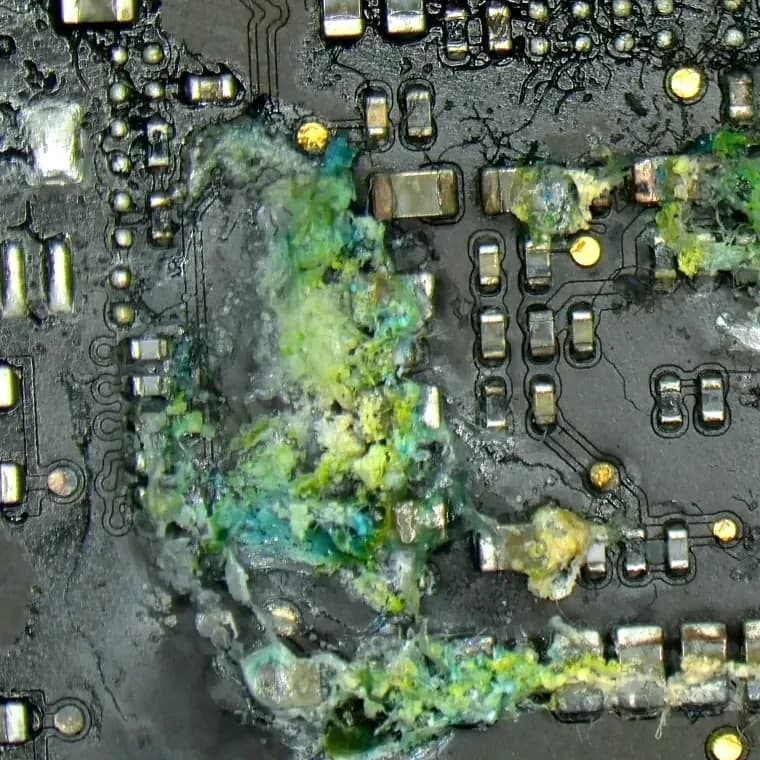
What liquid does to the board
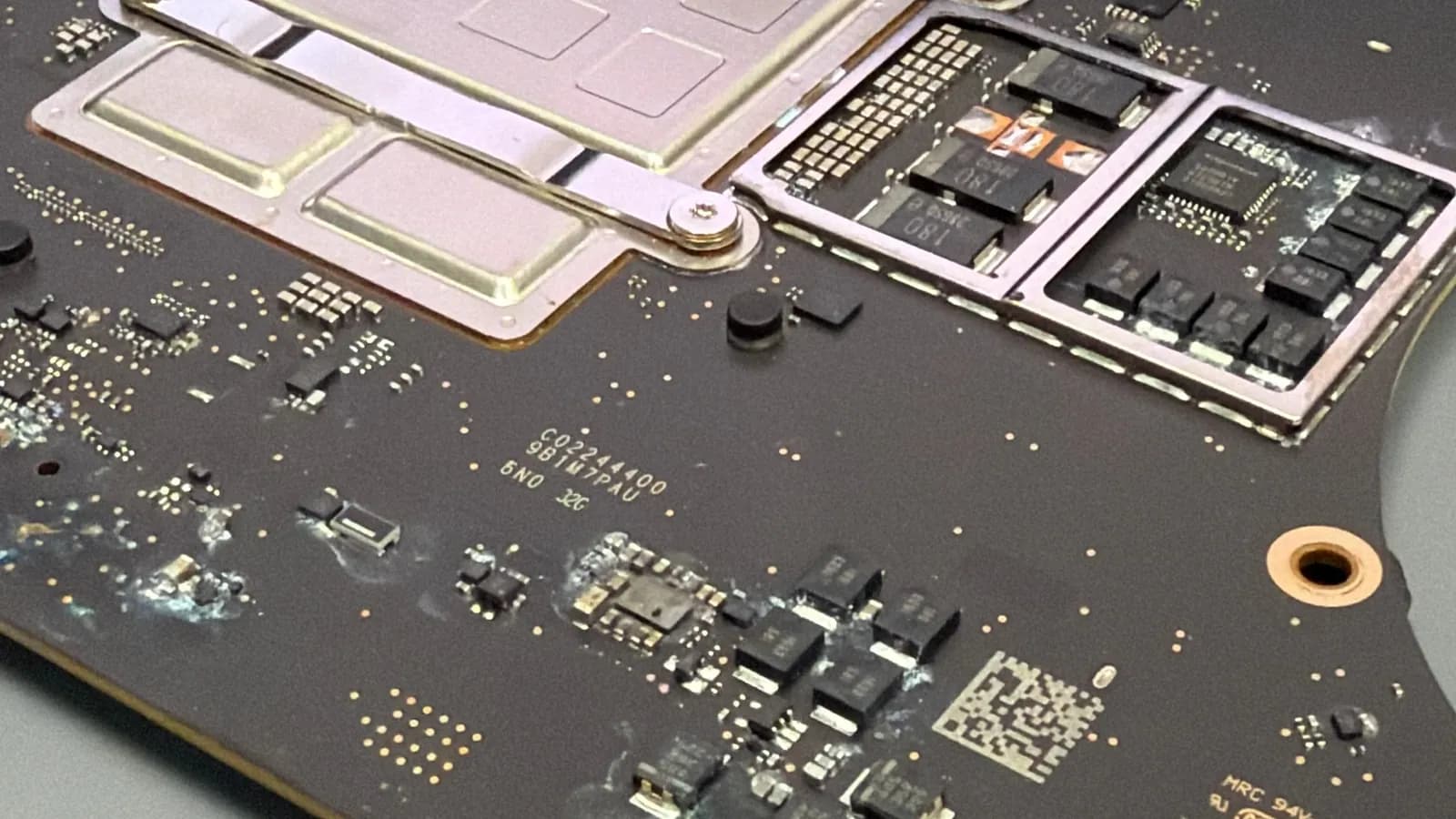
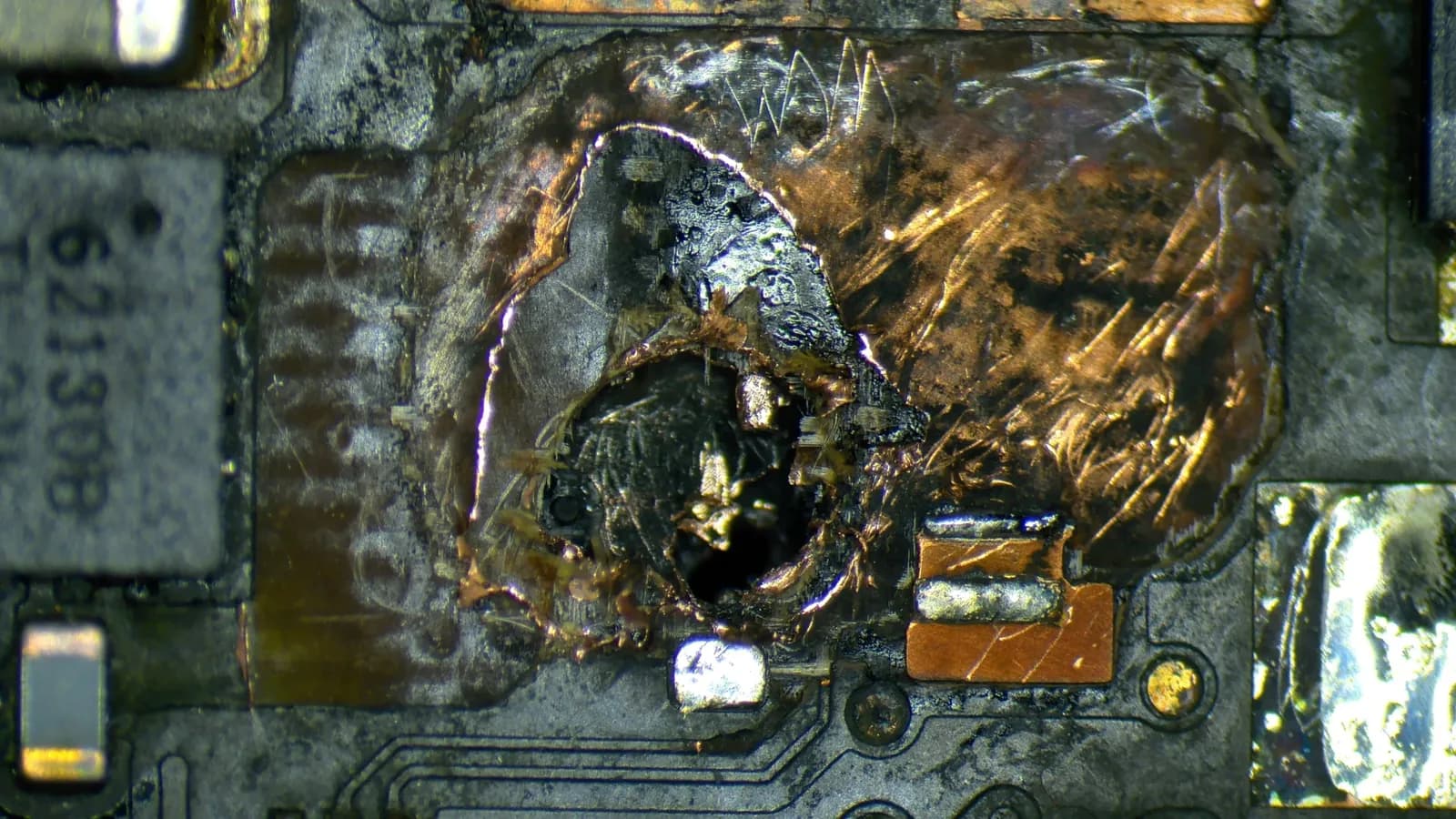
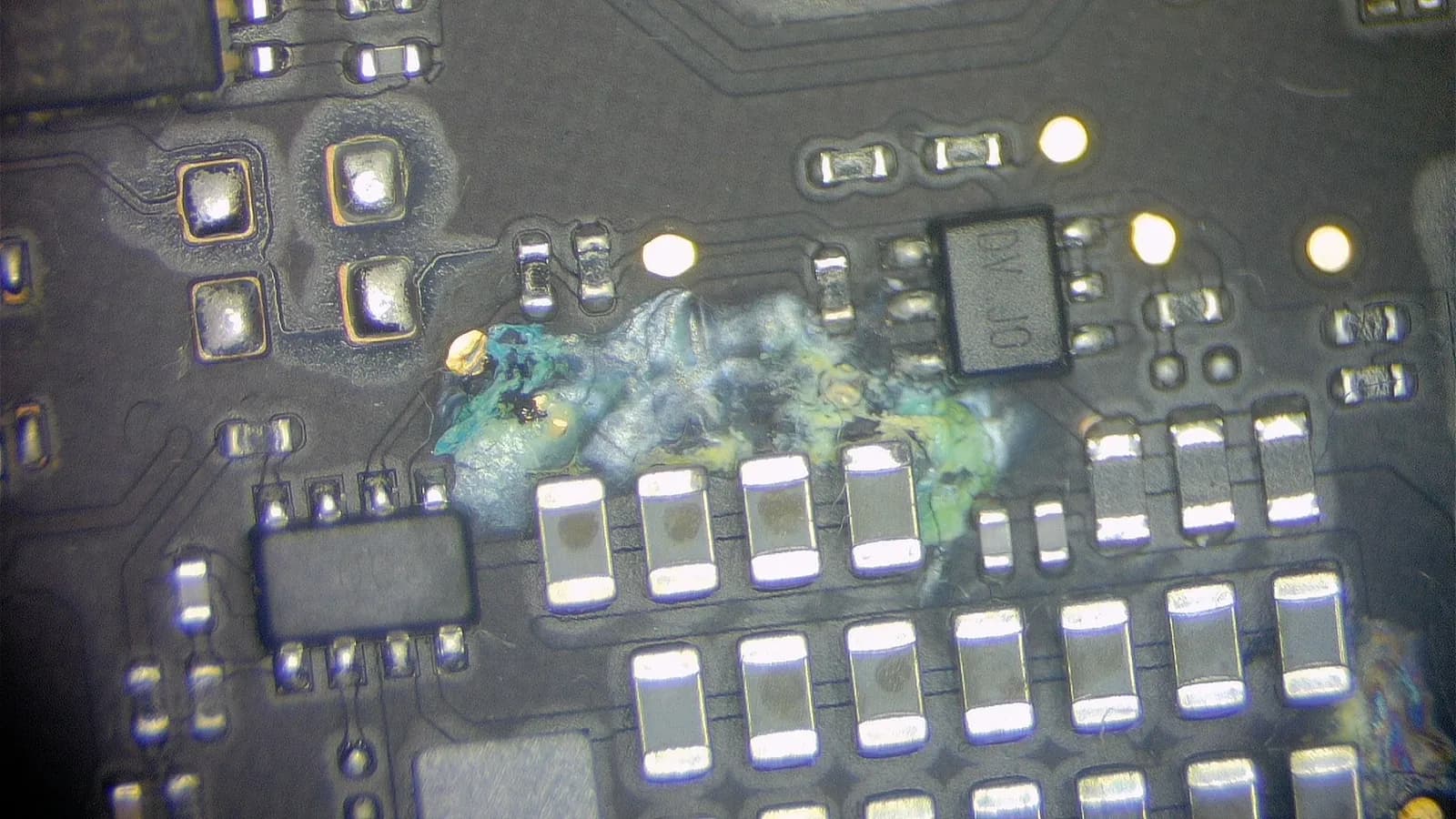
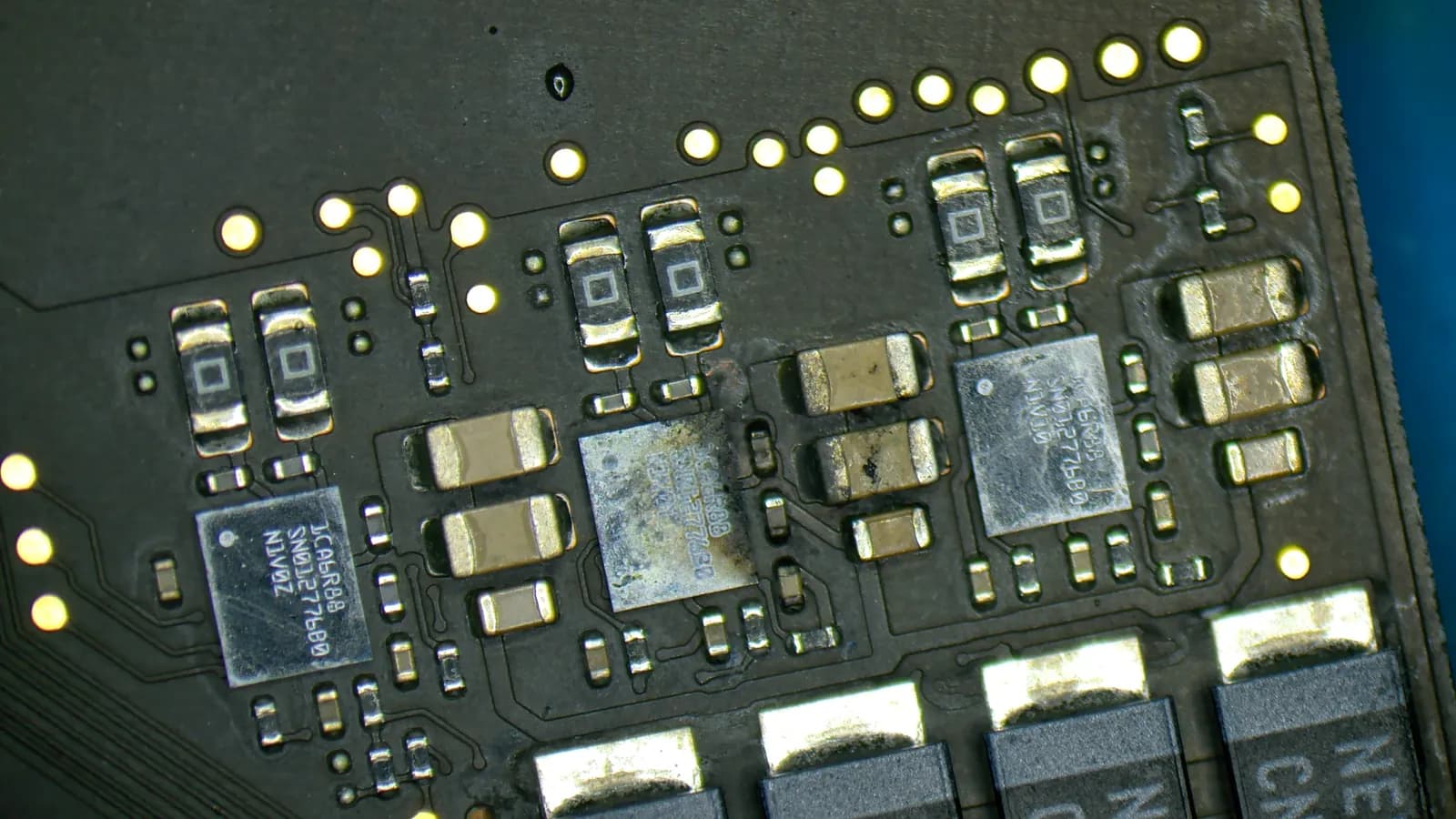
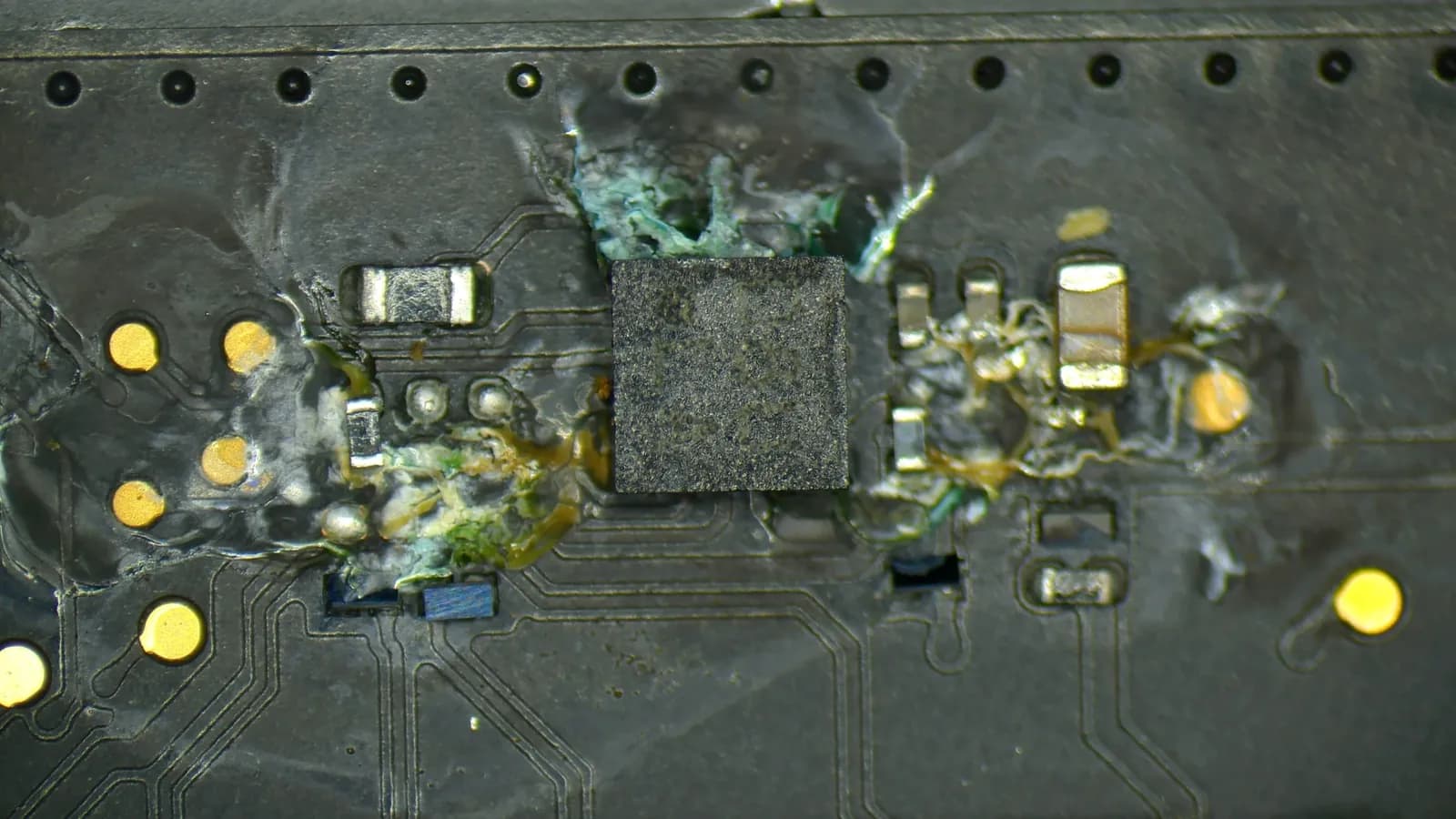
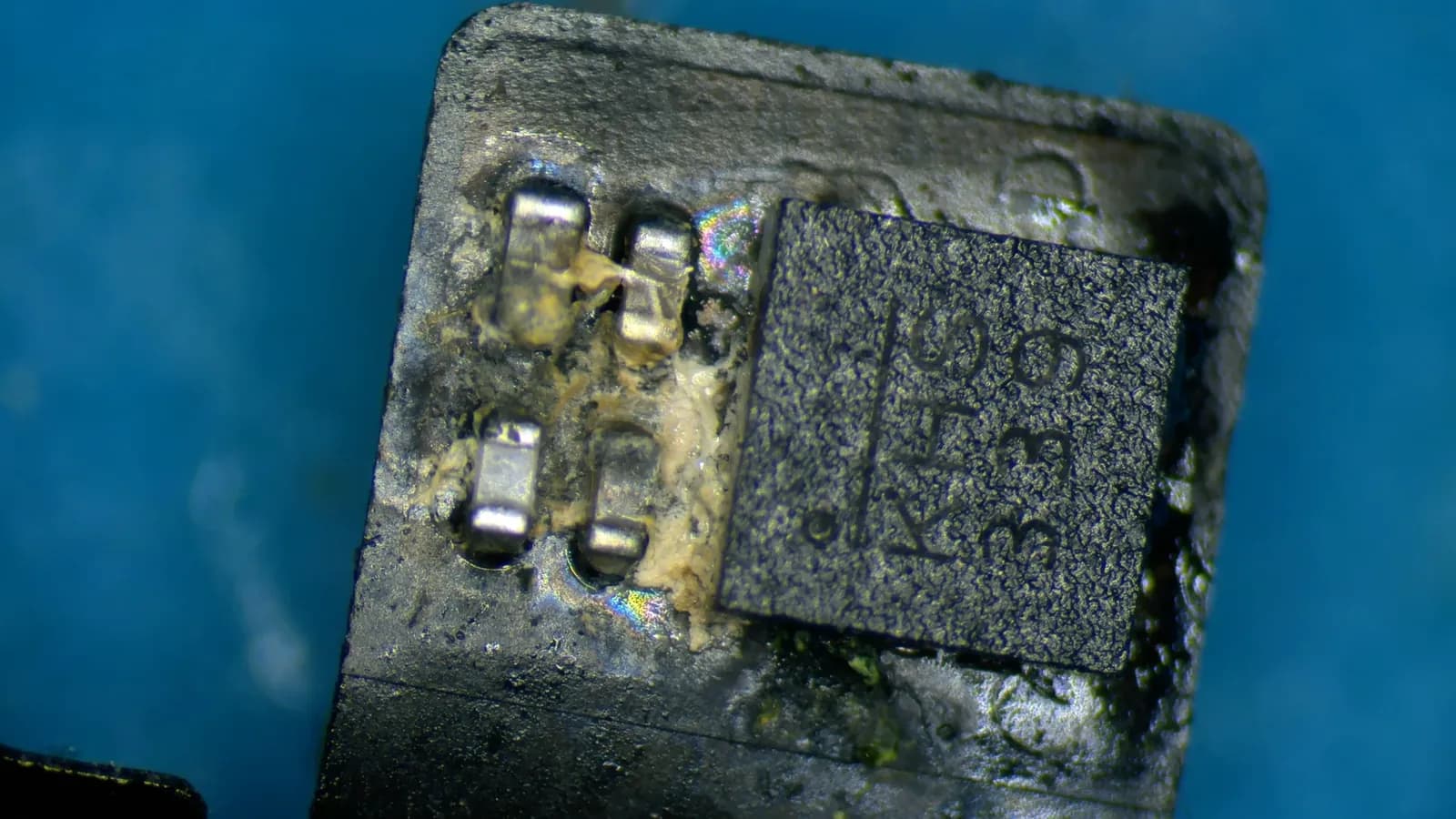
How we repair it
Open it and disconnect the battery
We open the MacBook as soon as it comes in and disconnect the battery. While it is connected, current flows through the board and corrosion spreads faster.
Find every affected spot
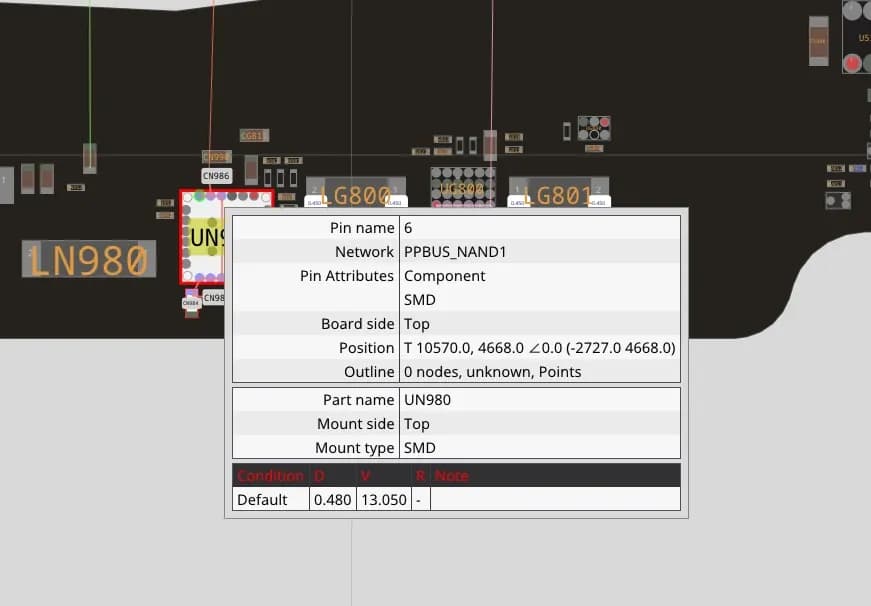
We go over the board under a microscope and measure the power rails. Using the schematic, we then track down the component causing the short.
Repair it component by component
We replace only what the liquid destroyed, typically capacitors, inductors, power chips or connectors. We solder under a microscope; parts this small can't be done any other way.
Clean it ultrasonically
The repaired board goes into an ultrasonic bath. Otherwise the liquid residue would keep corroding.
Test everything else
The keyboard, trackpad, display and speakers can only be tested once the board works. If another fault turns up, we call you with a price before we start on it.
What the repair costs
Our price list starts liquid damage repair at 2,990 Kč; the final price depends on what the liquid reached. Diagnostics cost 890 Kč and we repair nothing without your approval.
In October 2026 a new logic board for a MacBook Pro 16″ (2021) cost 80,472 CZK in Apple Self Service Repair, and you would lose your data with it, because the SSD is soldered to the board. If a repair is not worth it, we tell you and offer to buy the MacBook. About one in six customers decides that after diagnostics.
Frequently asked questions
Is repairing a liquid-damaged MacBook worth it?
Usually, yes. A component-level board repair costs a fraction of a new board and your data stays on it. It is mostly not worth it on an older model where both the board and the display took the hit. We see that during diagnostics, tell you right away and offer a buy-back.
Will I lose my data after a spill?
Not necessarily. MacBooks with an M-series or T2 chip have the SSD soldered onto the board, so the only way to the data is through a working board. If the full repair isn't worth it, we get the board running at least long enough to copy the data.
My MacBook still works after the spill. Should I bring it in anyway?
Yes. Liquid residue keeps corroding even while everything still works, and in a few days or weeks the MacBook may simply stop. Cleaning it now costs less than repairing the board later.
My keys are sticky. Does the whole keyboard need replacing?
Not always. If only a few keys misbehave, we clean them one by one. If the keyboard took more liquid, replacing it is worth it, otherwise the sticking comes back.
How long does the repair take?
Diagnostics and a quote usually take 2 to 3 working days. How long the board repair then takes depends on how much is damaged and whether we have to order parts. We don't recommend express service after a spill; the extent can't be estimated in advance.
What warranty do you give on the repair?
On the repaired areas and replaced parts; you will find the length in the quote. It does not cover further spill damage outside the repaired area, since the liquid may have reached other places too.