MacBook overheating
The fan roars while you're just writing an email, the bottom is scorching and the MacBook stutters. It is almost always dust in the heatsink or dried-out thermal paste. We fix both, usually the same day.
- Over 80 MacBooks cleaned in the last two years
- Cleaning from 990 Kč, price known up front
- Usually done the same day, Příkop 27b
Before you bring it in
- Open Activity Monitor and sort processes by CPU. If one sits at 100 %, quit it.
- Don't put it on a duvet or a blanket. The vents need room.
- Restart it and install any macOS updates.
- Fan still humming while you do nothing? Then bring it in for a clean.
What not to do: Don't blow compressed air into the grilles. The fan spins faster than it can take, the bearing suffers and the dust ends up even deeper in the heatsink.
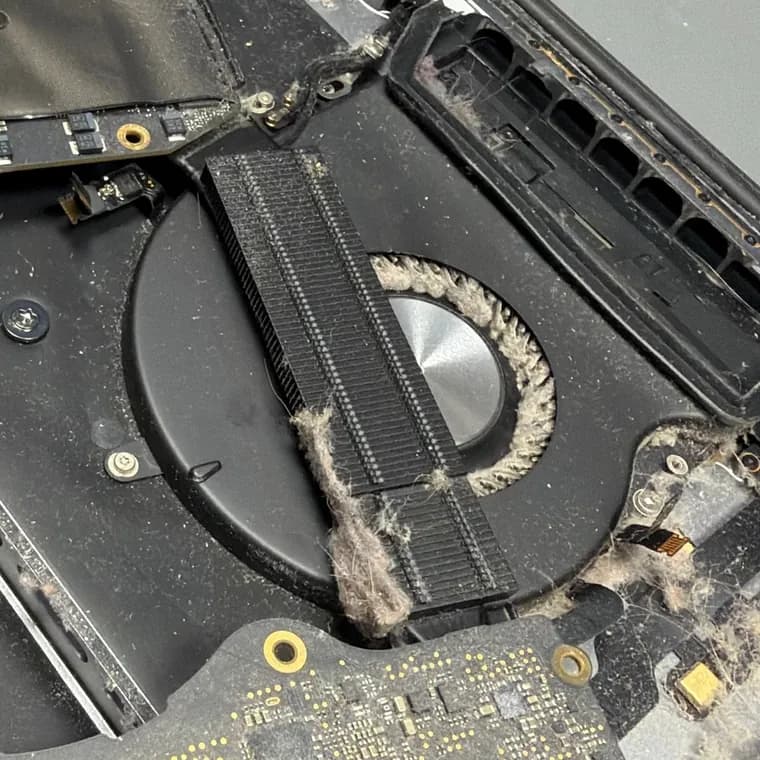
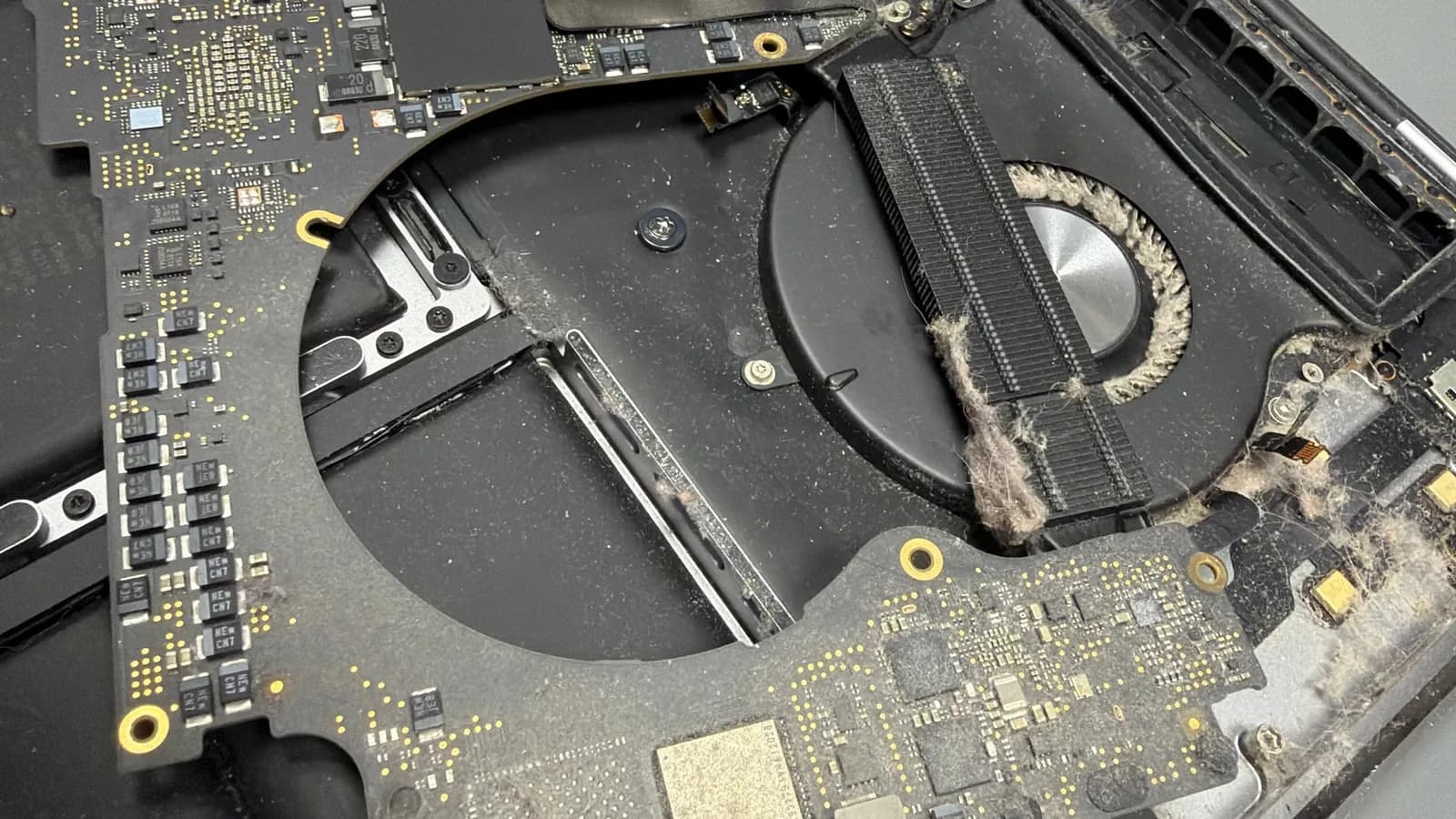
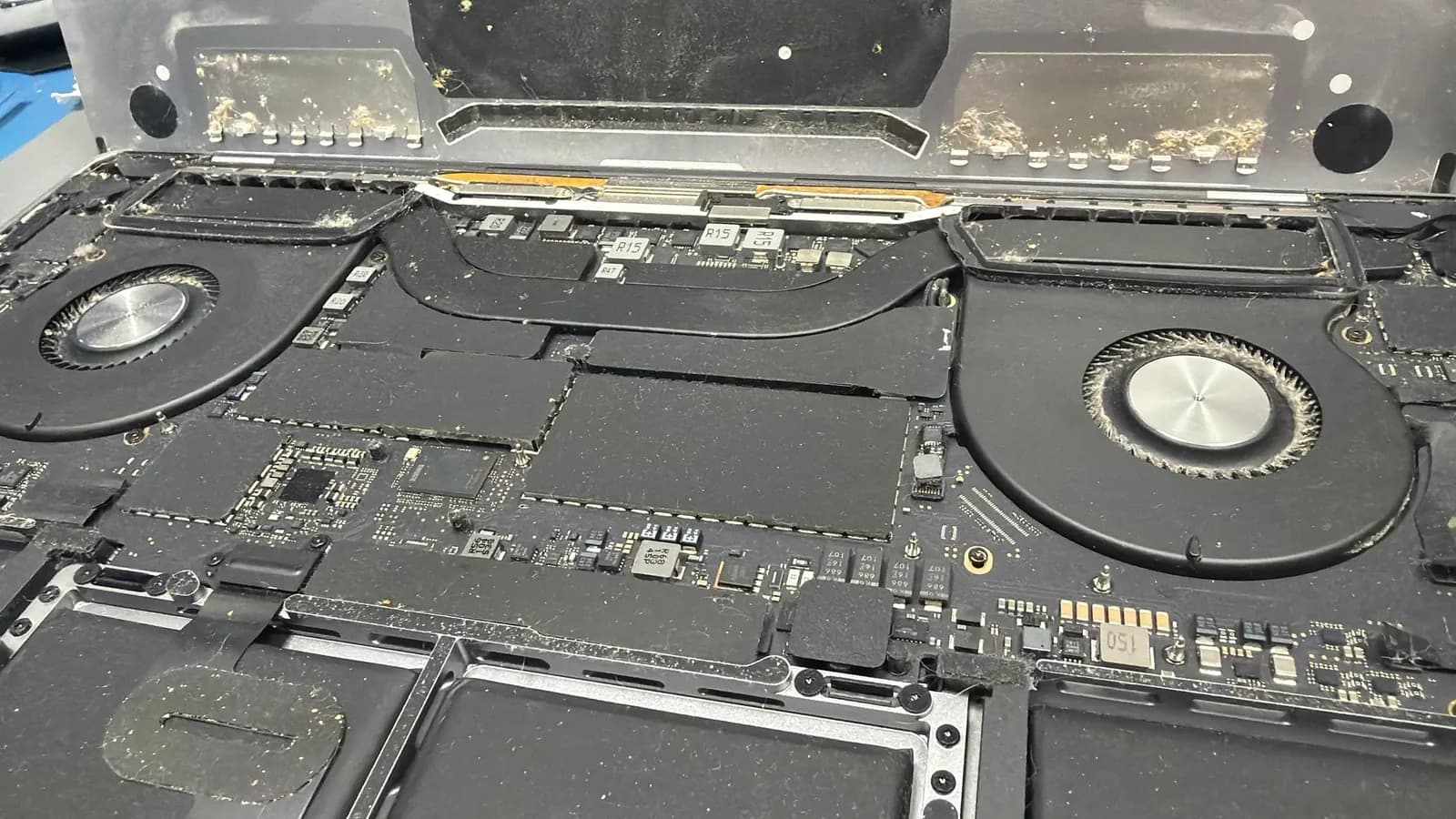
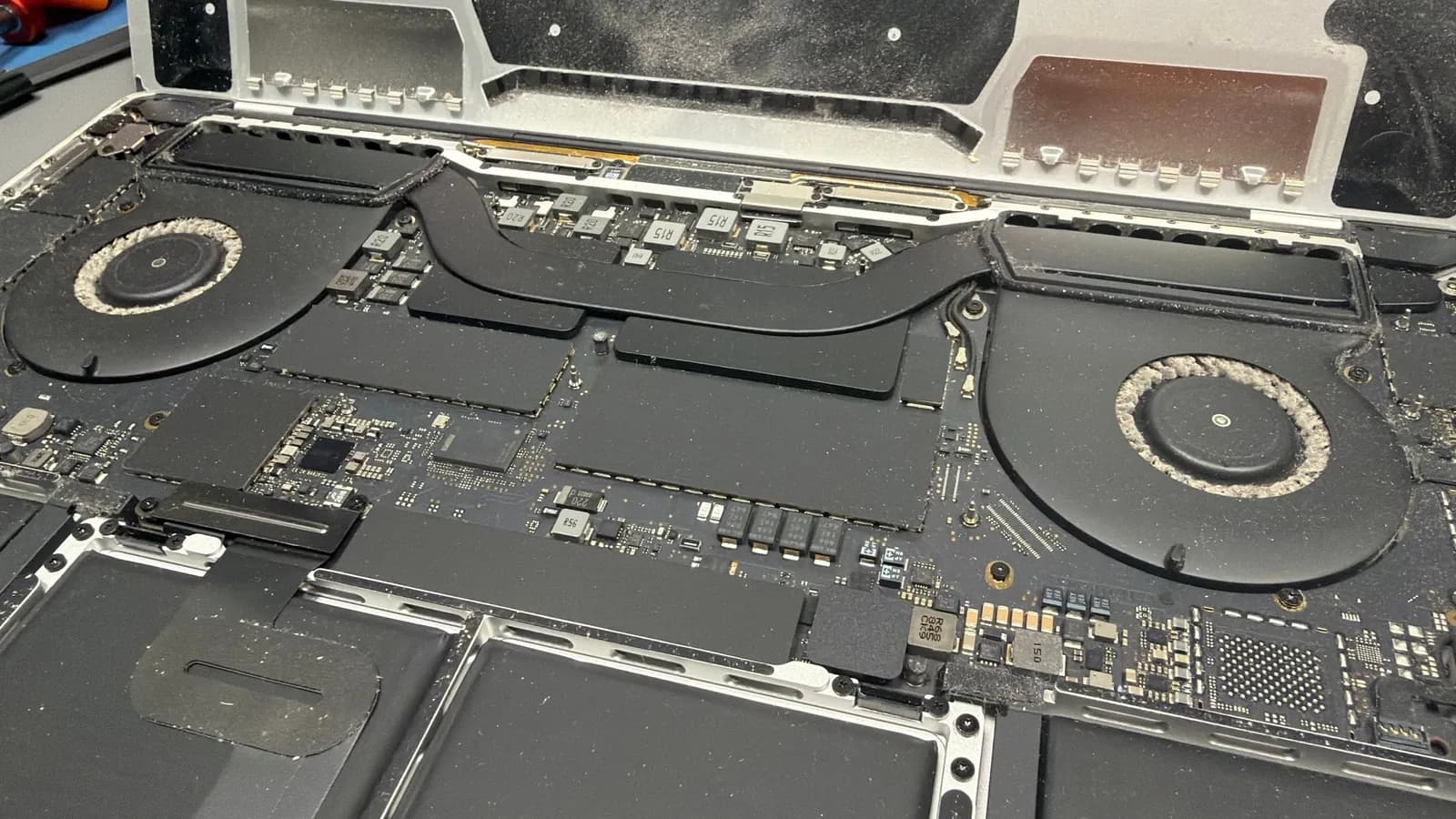
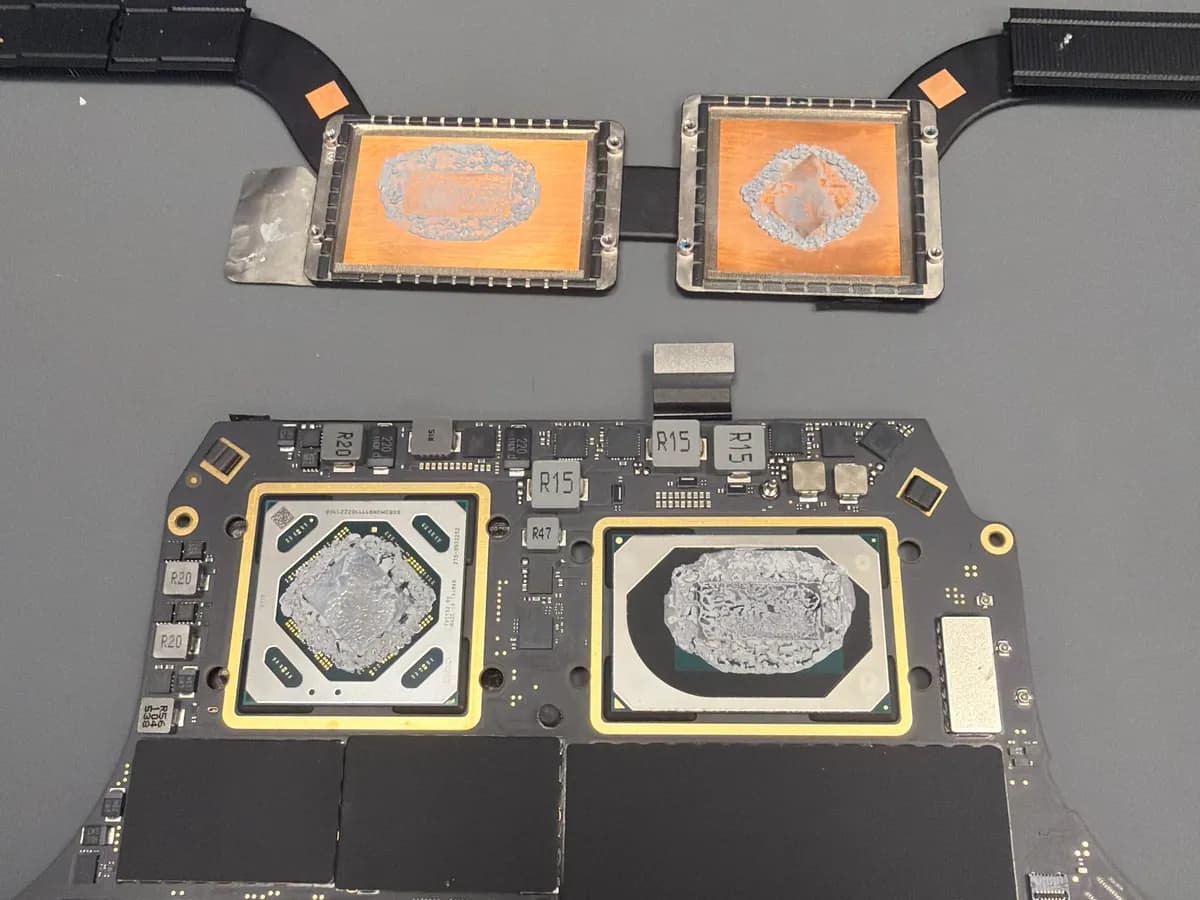
What we find inside
How we clean
Open it and disconnect the battery
We remove the bottom case and disconnect the battery first. Only then do we clean.
Clean the fans and heatsink
We get the dust out of the fan blades, the heatsink fins and off the board. We hold the fans still so they don't spin up.
Replace the thermal paste
We remove the heatsink, clean the old paste off the CPU and GPU and apply new paste. The thermal pads get replaced at the same time.
Thermal mod where it helps
On some models we add a non-conductive thermal pad between the heatsink and the bottom case. Heat then also flows into the case and the MacBook throttles less under sustained load. Don't expect a higher peak performance from it, though.
Test it under load
We run the MacBook flat out and watch temperatures and fan speeds. If we run into another fault, say a bad sensor or a swollen battery, we call you before doing anything.
What it costs
Our price list starts cleaning at 990 Kč; fresh paste and thermal pads cost more, depending on the model. A clean doesn't need diagnostics. A fan replacement is quoted up front.
Some models run hot even when clean, for example the 2020 Intel MacBook Air. If yours is one of them, we tell you up front.
Frequently asked questions
How often should a MacBook be cleaned?
Roughly every two to three years. Sooner in a dusty place or if you have pets at home. You'll notice it by the fan spinning up during ordinary work.
Does a MacBook with an M chip need cleaning too?
An M-series MacBook Air has no fan, so dust can't clog its cooling. M-series MacBook Pros do have fans and dust settles in them too. Just more slowly, because they don't run as hot.
Why replace the thermal paste?
The paste moves heat from the processor into the heatsink. After a few years it dries out and conducts heat worse, even if the MacBook is clean inside. Then cleaning out the dust alone won't help.
How long does cleaning take?
Usually the same day. With a paste replacement, allow one working day at most.
Is there a warranty on cleaning?
12 months on a replaced fan. Cleaning alone has no warranty; dust settles again over time.
Can a MacBook still run hot after cleaning?
It can. Some models run hot even when clean, and under long loads their design holds them back. The 2020 Intel MacBook Air is the typical case. If yours is one of them, we tell you up front.