MacBook EFI password removal
At startup the Mac shows only a padlock and a password field, with no user name. That is the firmware password, also called the EFI or BIOS password. If you do not know it, we remove it right in the chip on the logic board. Your system and data stay as they were.
- Intel Macs, always up to 2017
- From 2,000 CZK, your data stays
- Usually 1 to 3 days, Příkop 27b
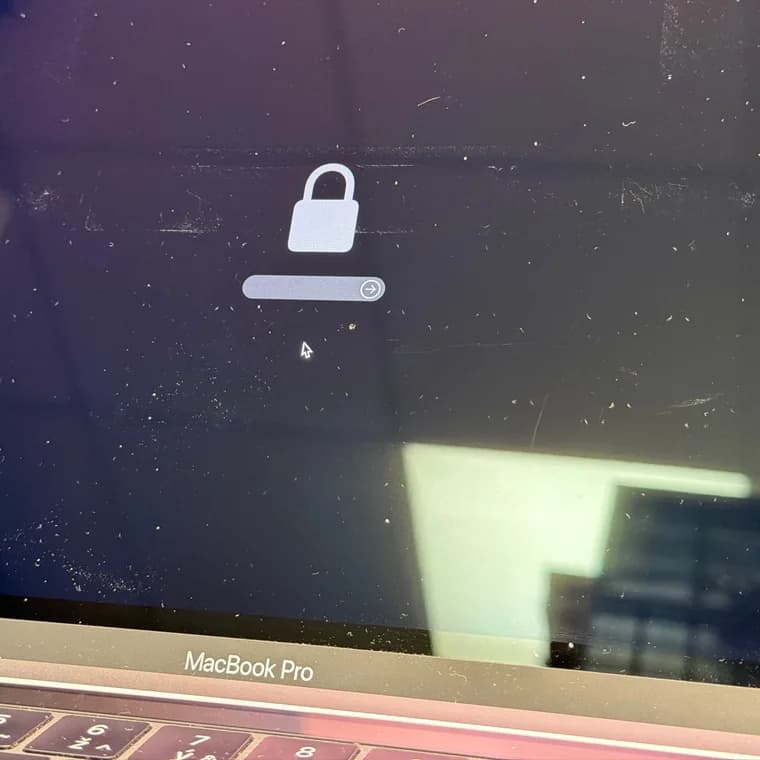
Before you bring it in
- Try every password you have ever used on the Mac. The firmware password is only asked for at startup, so it tends to be old and forgotten.
- Bought the Mac second-hand? Ask the seller, they may know the password.
- Did not help? Bring the Mac in or send it, together with the proof of purchase.
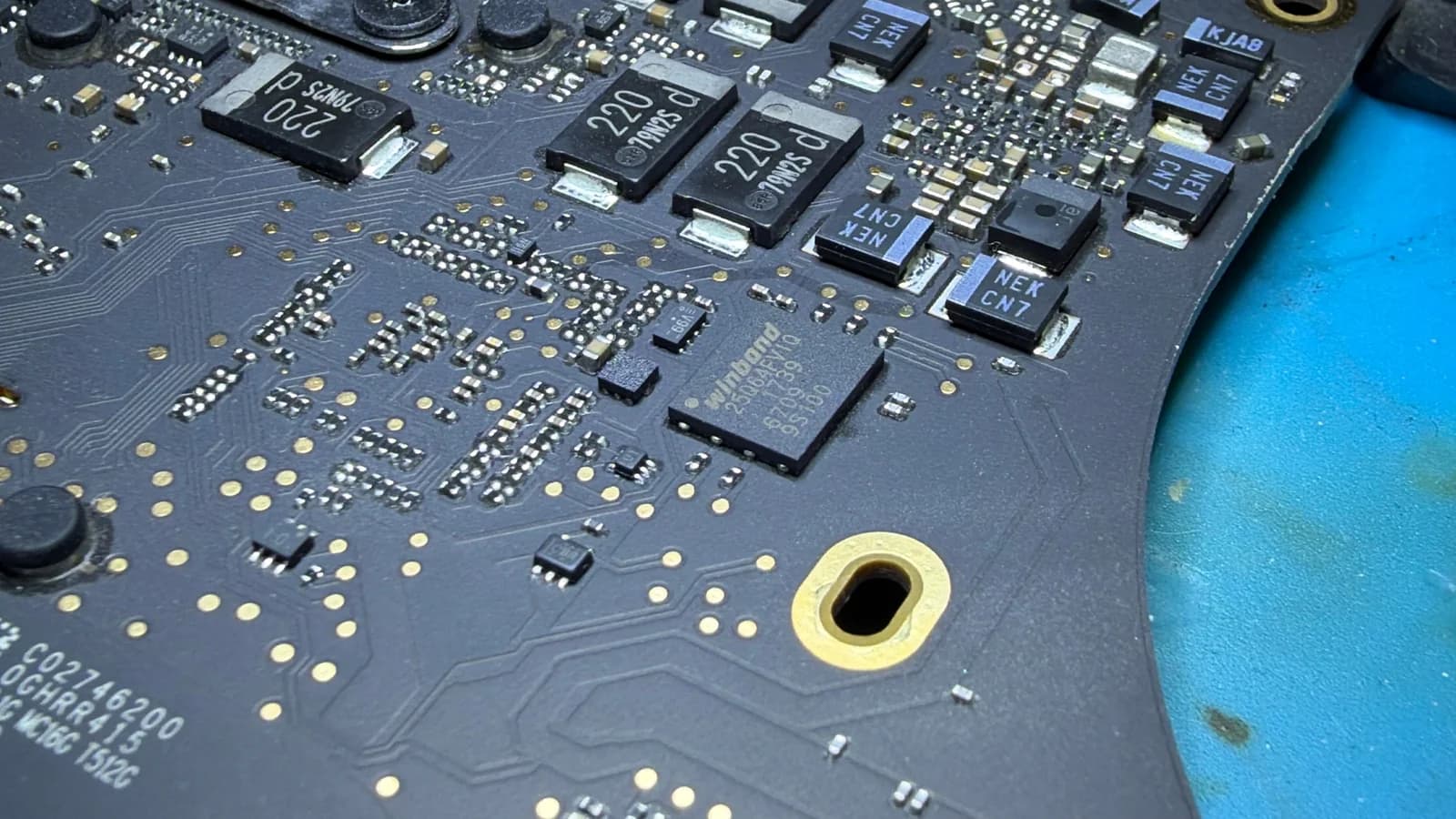
What not to do: Do not erase the disk or reinstall the system. The password is stored in a chip on the board, not on the disk. It would stay, and you would only lose your data.
Where the password lives
How we unlock it
Check ownership and the lock
We look at the proof of purchase and confirm it is the firmware password, not iCloud Activation Lock.
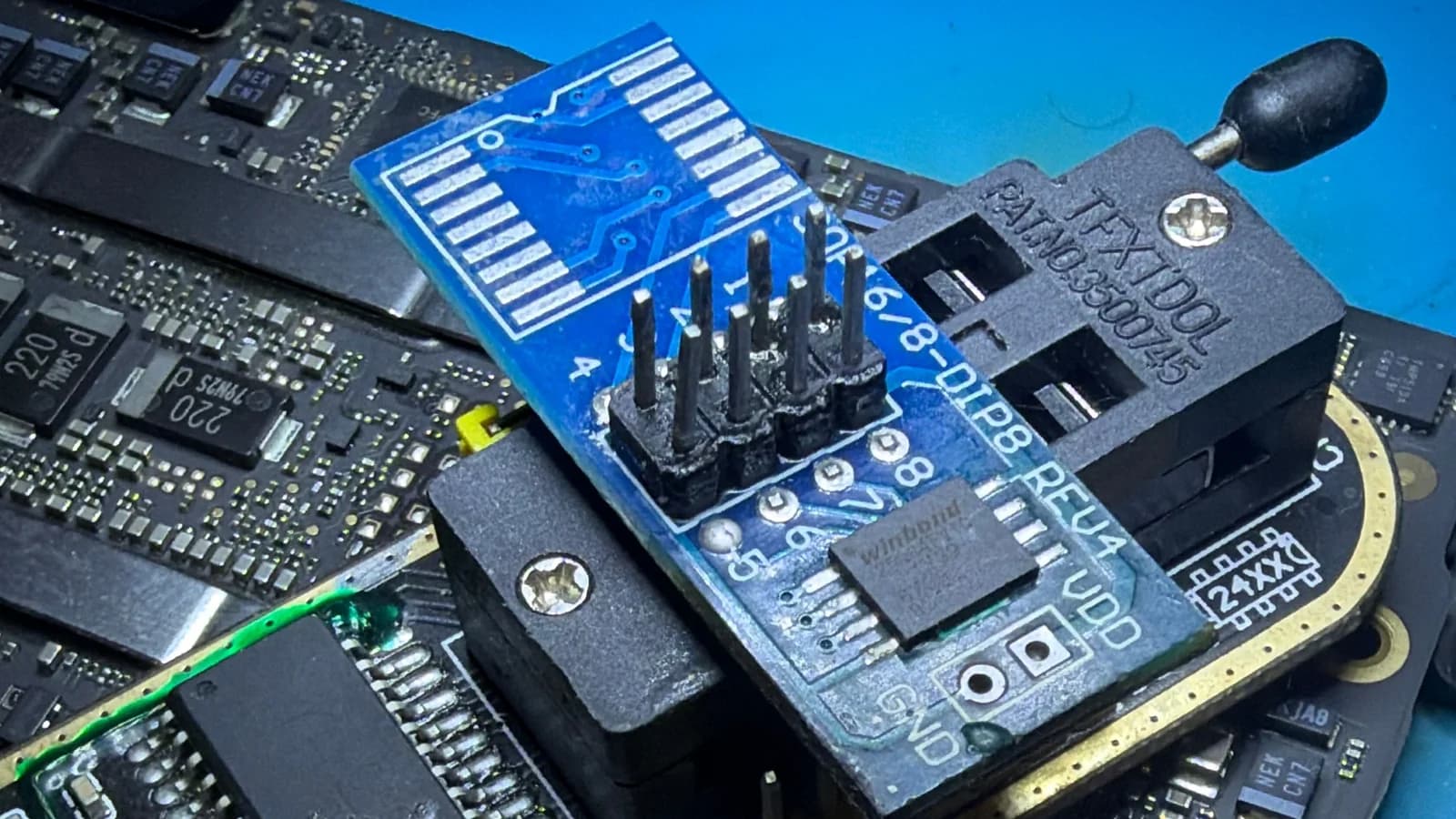
Read the chip
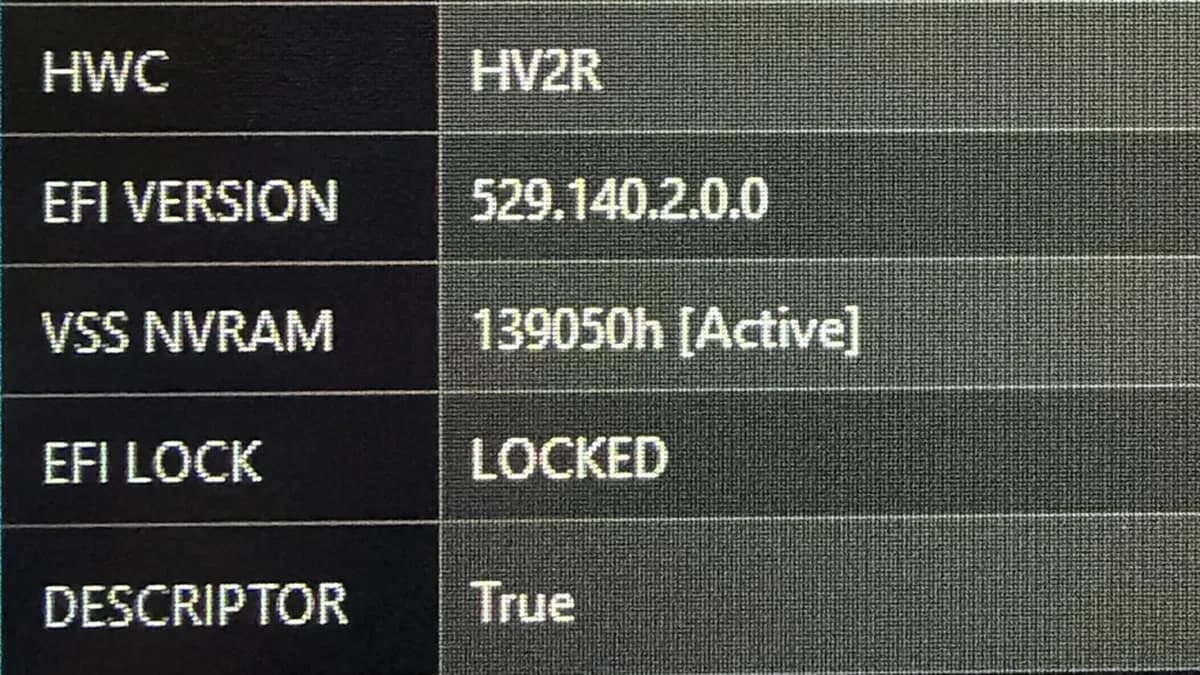
We take the Mac apart, desolder the firmware chip from the board and read it in a programmer.
Remove the password
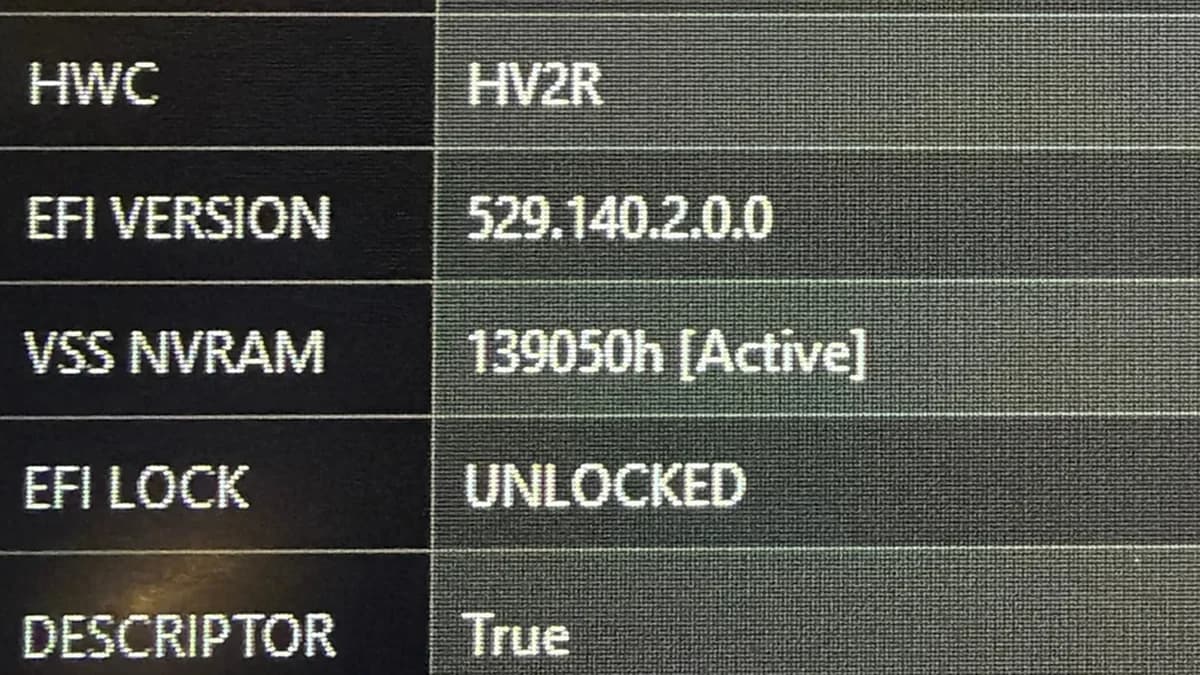
We remove the password from the firmware we read. The serial number, model and everything else stay the same.
Write it back and resolder
We write the modified firmware to the chip, verify it and solder the chip back onto the board.
Test
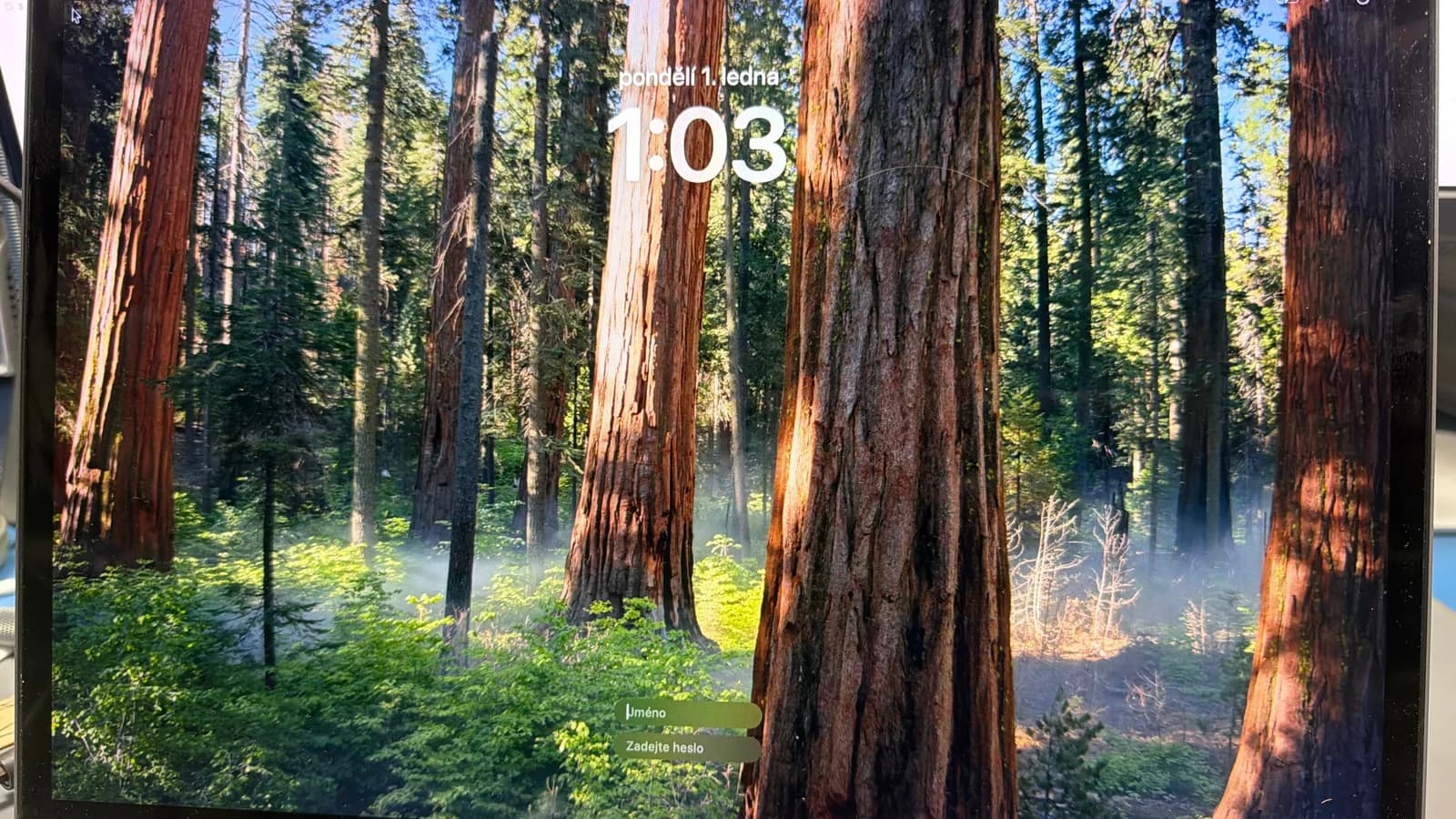
The Mac has to start without the padlock, even with Option held at startup. On request we reinstall macOS straight away.
What it costs
We tell you the exact price for your model up front.
Without a proof of purchase or other proof of ownership, we do not remove the password.
Frequently asked questions
Do you remove iCloud Activation Lock too?
No. Activation Lock (Find My Mac) is tied to an Apple ID, and only the original owner or Apple can remove it. You can tell it apart because the Mac asks for an Apple ID and its password, not just a password under a padlock.
Will I lose my data?
No, unlocking does not touch the disk. We erase data only when you order a reinstall. If the disk is encrypted with FileVault, nobody can get to the data without your account password.
What proof do you need?
A proof of purchase, or other proof that the Mac is yours. Without it we do not remove the password.
Which Macs can you unlock?
Intel Macs up to 2017, always. Of the T2 models from 2018 to 2020, only some, and at a higher price. We do not unlock Macs with M1 or newer: on those, Activation Lock replaced the firmware password.
How long does it take?
Usually 1 to 3 days from drop-off.
Can I send the Mac by post?
Yes, through the Send a device form. Zásilkovna (Packeta) to us costs 129 CZK and back to a pickup point 149 CZK. Put the proof of purchase in the parcel.